HubSpot Updates: What's New and What Matters
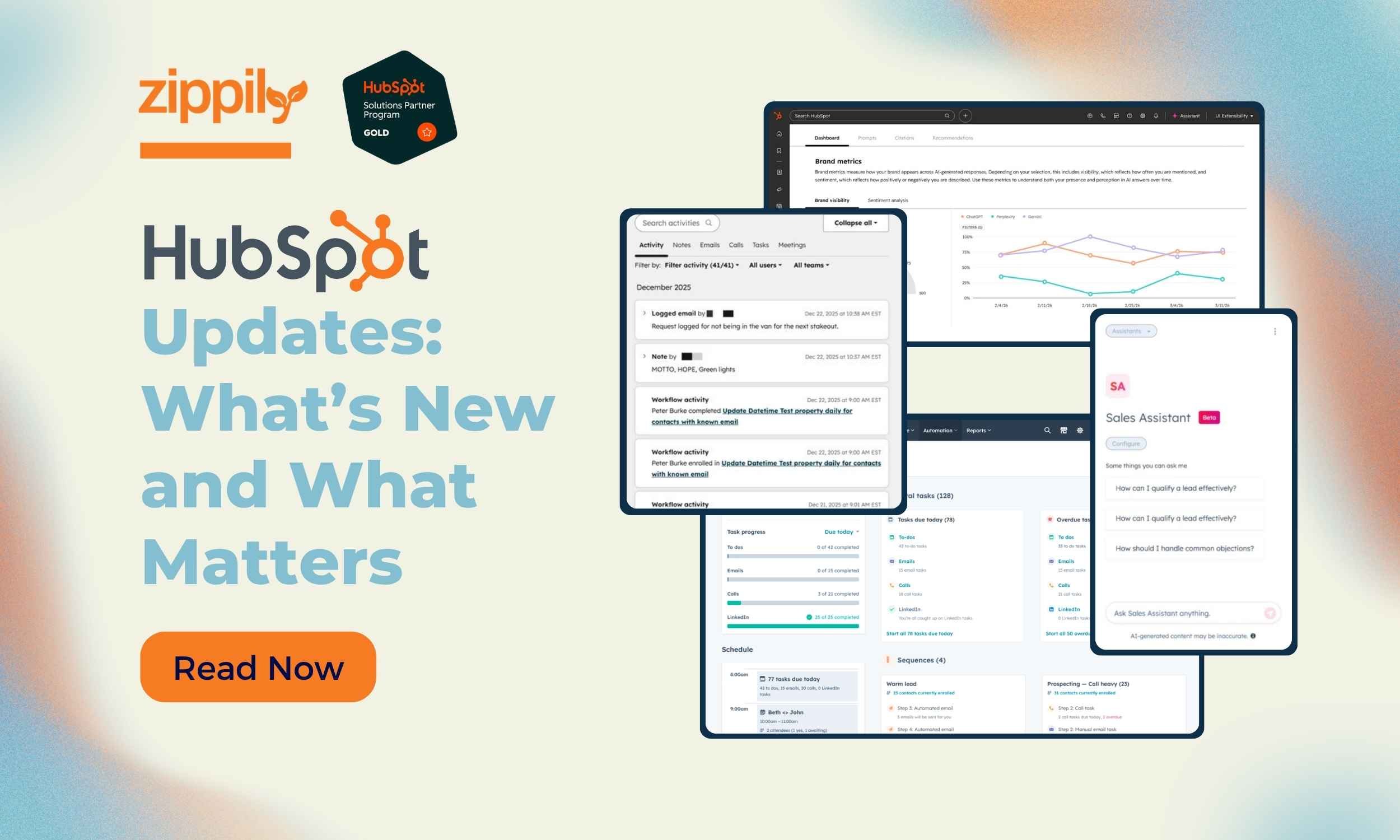
HubSpot has shipped a lot recently. Some of it is genuinely useful. Some of it will matter more in six months than it does today. Most summaries you'll find are either lifted directly from the change log or written to generate clicks rather than help you decide what to do.
As a HubSpot Gold Partner based in Auckland, we work on HubSpot implementations across New Zealand and Australia every week. This is a plain-language breakdown of six recent releases from that vantage point. What changed, what it means for your team, and what is worth prioritising first.
Answer Engine Optimisation (AEO)
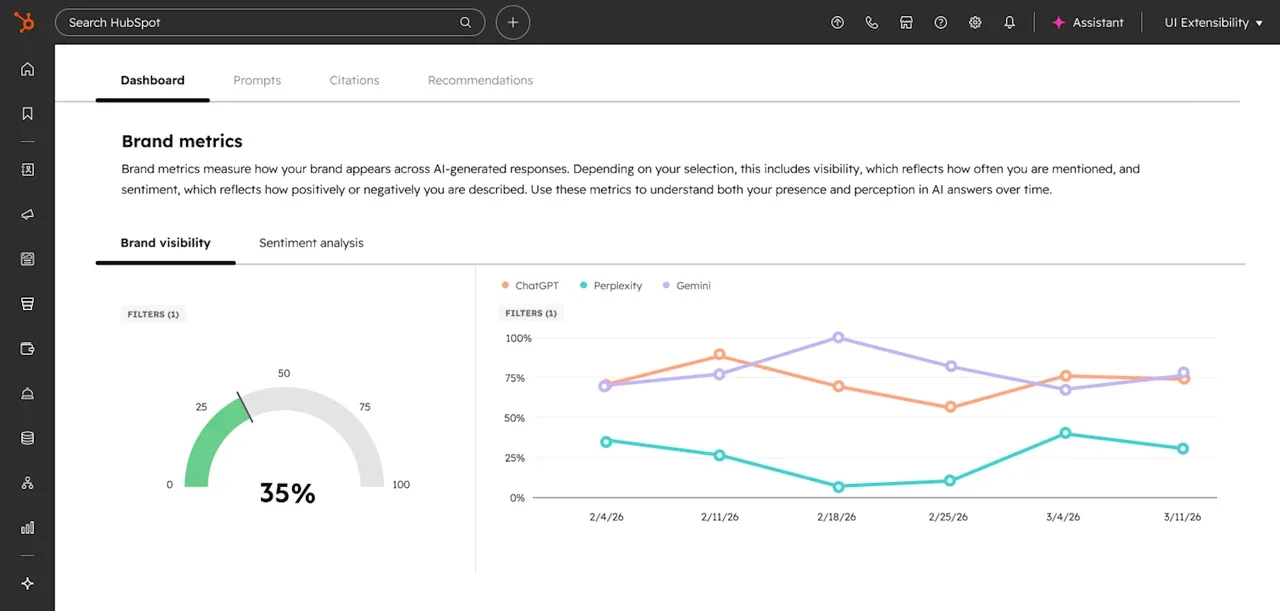
Buyers are increasingly starting their research through AI tools like ChatGPT and Perplexity rather than Google. They ask a question, get a summarised answer, and form an opinion about vendors before they ever visit a website. By the time they reach your site, they may already have a shortlist you are not on.
HubSpot has shipped a native AEO tool inside Marketing Hub that tracks how often your brand appears in AI-generated answers, shows where competitors are being recommended instead of you, and surfaces content recommendations tied to the prompts you are missing. It connects to your CRM from day one, your industries, competitor list, and customer segments are already there.
SEO alone is not enough anymore. This is HubSpot's answer to that, built natively rather than bolted on.
AI Agents in the Breeze Marketplace
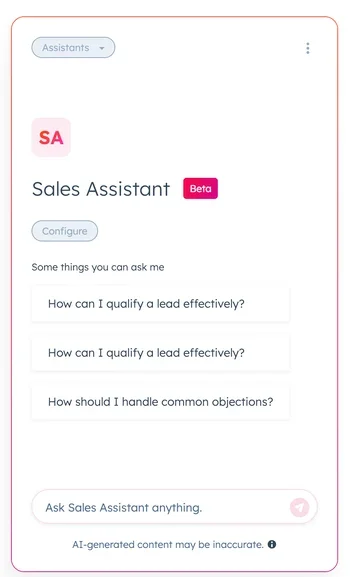
AI tools are only useful if they are connected to the right data. What HubSpot has done with the Breeze Marketplace is give teams agents that are already working with their deal history, call transcripts, and customer records.
The Company Research Agent pulls CRM history before a call so reps arrive prepared. The Call Recap Agent converts transcripts into structured notes and drafted follow-ups automatically. The Customer Health Agent flags at-risk accounts early and drafts outreach before churn becomes the outcome. The Customer Handoff Agent generates a full relationship summary when account ownership changes. The Sales to Marketing Feedback Agent surfaces patterns from sales conversations and feeds that intelligence back to marketing. The RFP Agent drafts responses using your knowledge base so your team reviews rather than builds from scratch. The Closing Agent answers buyer questions during active deals when reps are offline.
The value is in having these agents connected to real CRM data from the start, rather than adding them later and spending time on data cleanup first.
Sales Workspace Revamp
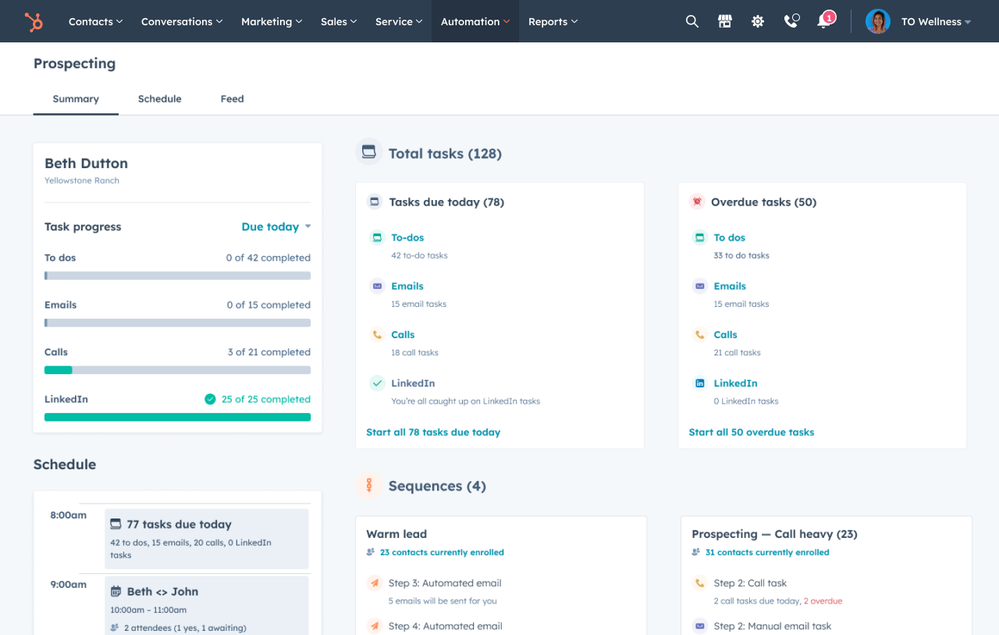
Sales Workspace gave reps a single place to manage their day inside HubSpot, which made change management easier, particularly in property and financial services where reps want a clean interface rather than a CRM built for administrators.
The custom Prospects tab, Deals tab, and task playlists have been replaced with native CRM index pages. One setup. One interface. A setup that stays current without manual upkeep as HubSpot continues to update the platform.
Contact and Company Record Layout Redesign
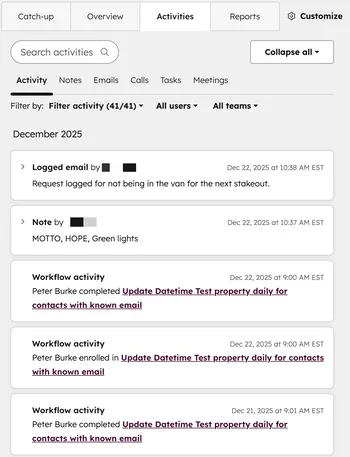
The most common frustration with HubSpot records out of the box is too many fields, too much scrolling, and not enough useful signal at a glance. The new default layout addresses that with a tab structure organised by purpose. The Catch-up tab surfaces key context and suggests next steps. The About tab holds background information. The Activities tab brings an improved timeline with overdue task filtering. The Revenue tab pulls financial data into one place.
The Catch-up tab is the thing worth paying attention to. It gives reps a starting point that surfaces what needs attention, rather than making them reconstruct that from a wall of properties. If your records feel cluttered, restore the new default through Settings, Objects, Contacts or Companies, then Record Customisation.
Google Drive Integration
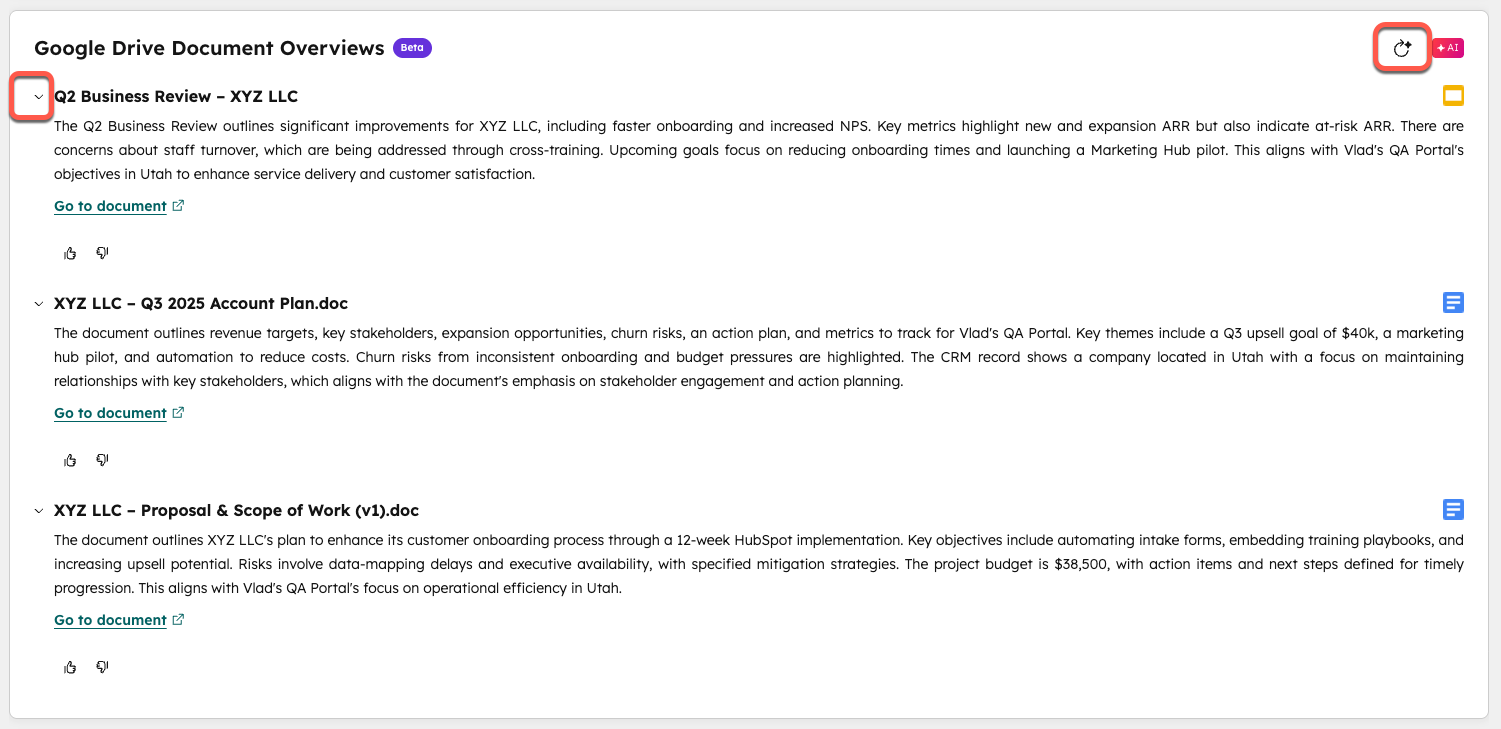
The Google Drive app now connects drives, shared folders, and individual files to any HubSpot object. From the record itself, you can attach files, link folders, and generate AI-powered document summaries through Breeze. On the automation side, folders can be created automatically when a deal reaches a certain stage, relevant files linked to records based on properties, and uploads pushed from HubSpot directly into Drive.
In practice, proposals built in Google Docs can be automatically linked to the deal record the moment they are created. Onboarding folders can be organised by account without anyone doing it manually. Anyone reviewing a record can get a plain-language document summary without opening it.
Buying Groups
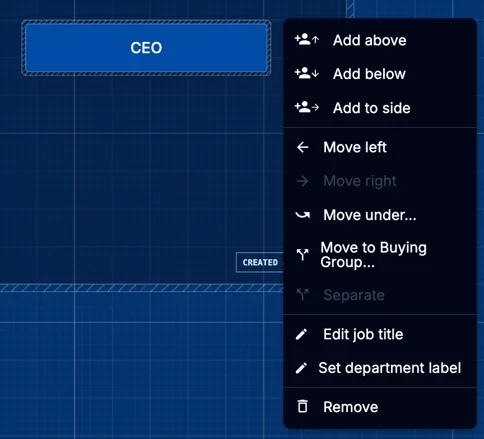
Deals are often lost because the wrong person was being sold to, or because a key decision-maker was not identified until it was too late. Buying Groups gives sales and customer success teams a native, visual map of every stakeholder inside an account. Who is making the decision, who is influencing from the sidelines, and where the relationship gaps are. All inside HubSpot, without a third-party tool.
This functionality has historically been the territory of enterprise CRMs. HubSpot delivering it natively signals where they are positioning the product for businesses managing longer, more complex sales cycles.
Working Out What to Prioritise
Not all of this will be relevant at the same time. The record layout redesign is worth doing for almost everyone on Professional or Enterprise. The AEO tools matter most if you are investing in content. The AI agents will deliver the most value for teams that already have clean CRM data. Buying Groups is built for businesses with longer sales cycles and multiple decision-makers.
If you want a second opinion on what to prioritise in your HubSpot implementation, we are happy to take a look. Zippily is a HubSpot Gold Partner working with small and mid-size businesses across New Zealand and Australia. Our job is to make HubSpot work for your team, not just get it set up.
